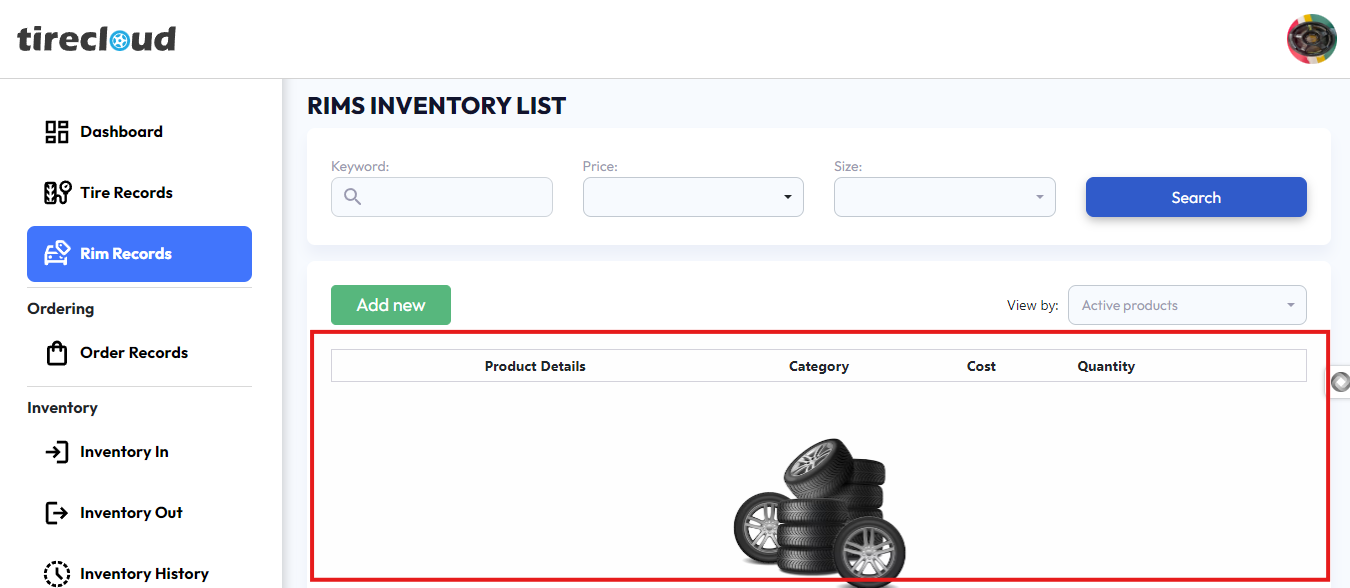
Rims Inventory List Interface
The "Rims Inventory List" page allows users to view, search, and manage the inventory of rims. The page provides various filters and options for efficient management:
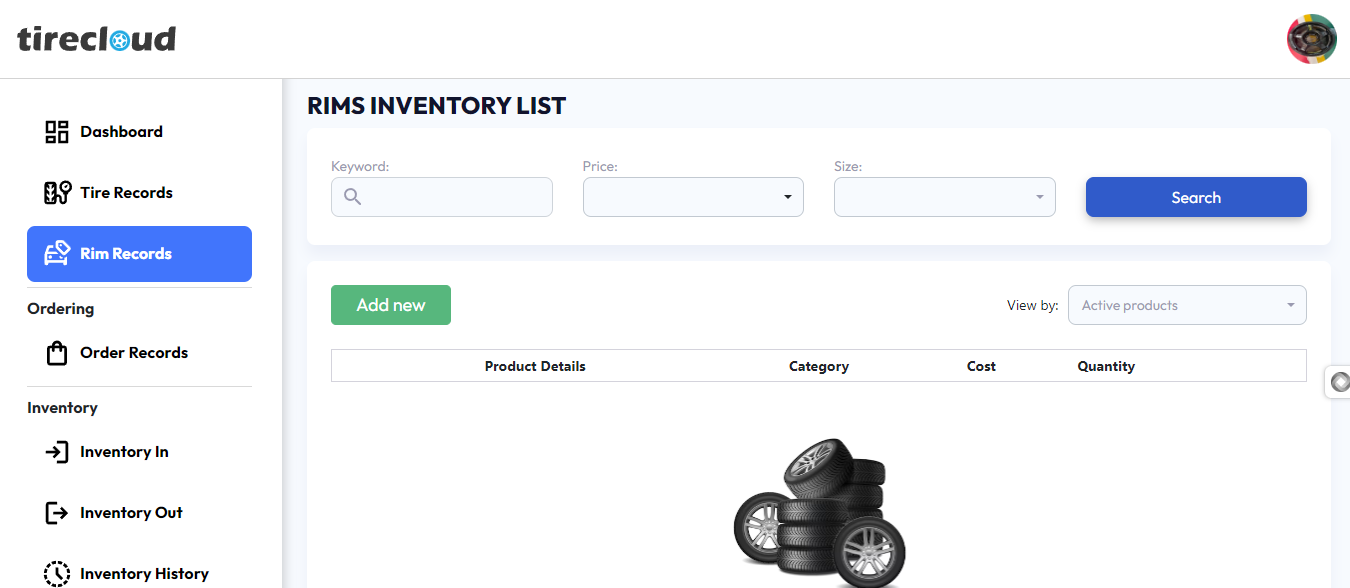
Search Bar:
Keyword Field: Allows users to input specific keywords (e.g., product name, brand) to search for items in the inventory.
Price Filter: Users can filter the list of rims by specifying a price range.
Size Filter: Enables users to filter rims by their size for easy navigation.
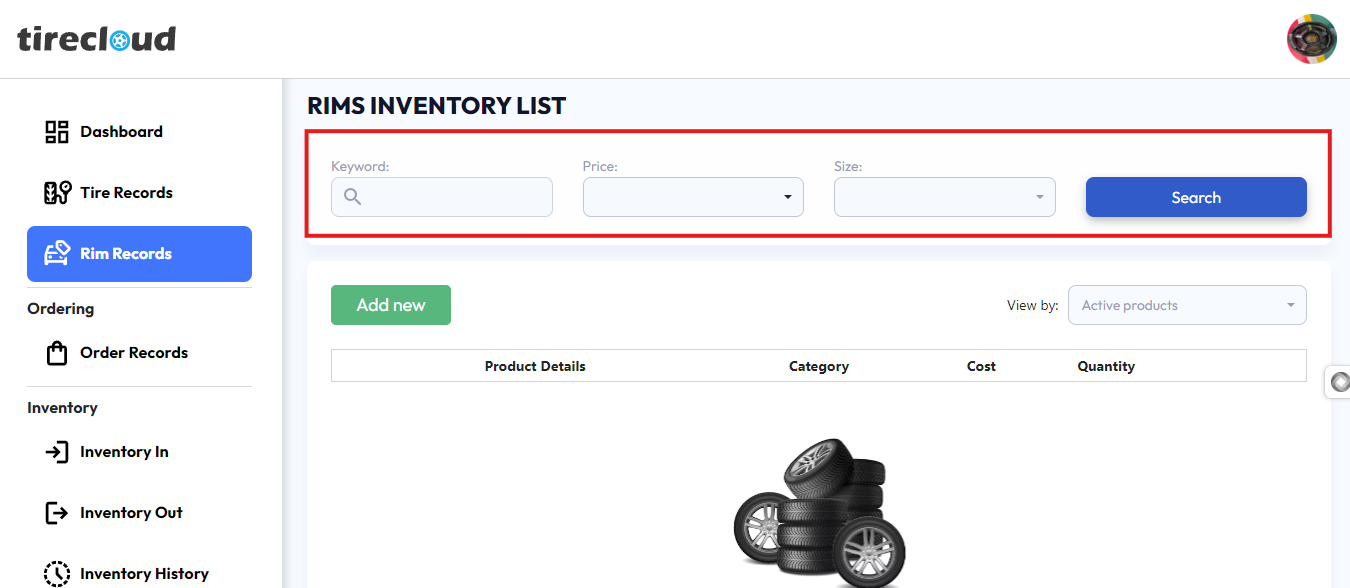
Add New Button:
The green "Add new" button enables users to quickly add a new rim product to the inventory by inputting details such as product information, category, cost, and quantity.
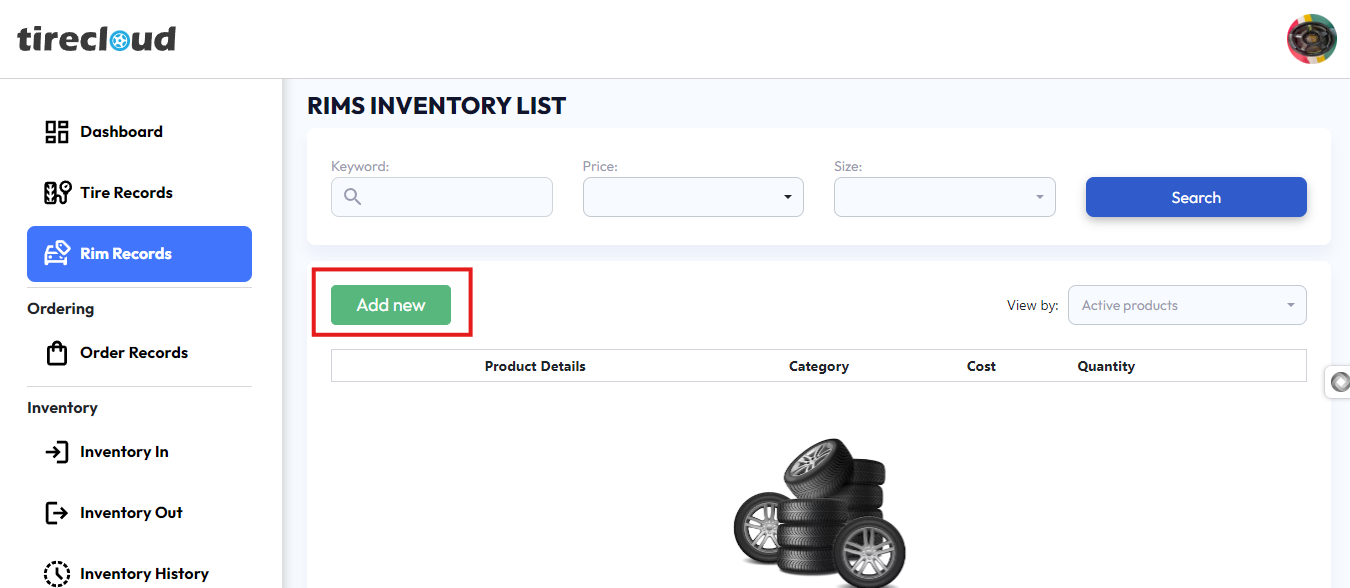
Columns:
Product Details: Displays the name, image, and key features of each rim in the inventory.
Category: Shows the type of rim or wheel (e.g., alloy, steel).
Cost: Indicates the price or cost of the product.
Quantity: Displays the available stock for each rim.