Manage Subscription/Manage User Accounts
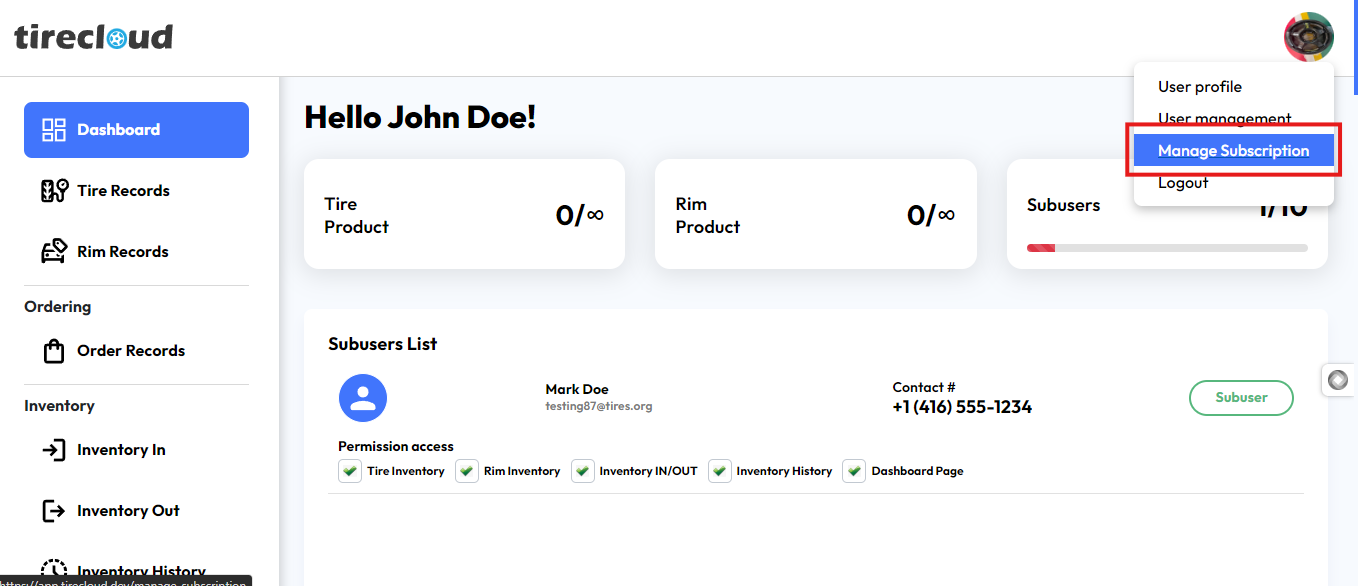
to access this section click on the manage subscription on the user icon drop-down menu
located in the top right corner of your dashboard
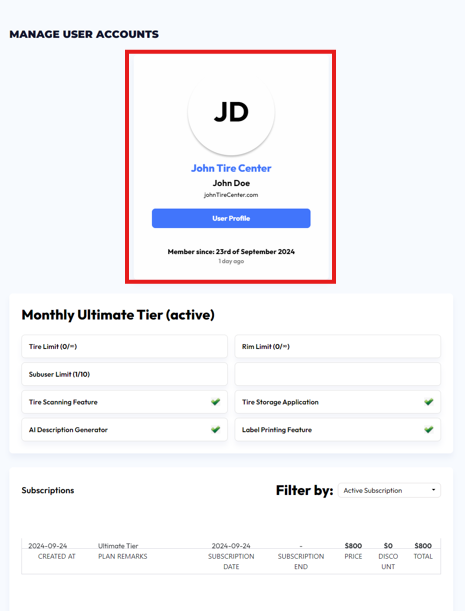
The "Manage User Accounts" section provides a comprehensive overview of user subscription details. The profile section at the top displays the user's business name, John Tire Center, along with the user’s name and email address. It also shows the member's start date.
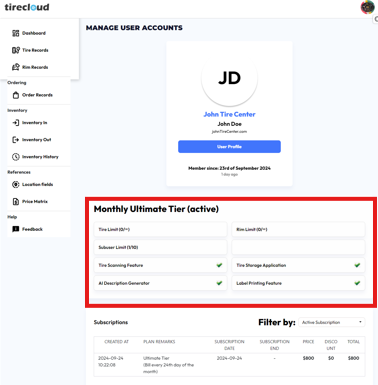
Below the profile, the current subscription plan is highlighted—"Monthly Ultimate Tier (active)"—which includes specific details such as the limits for tire, rim, and sub-user usage. Additionally, premium features like the Tire Scanning Feature, Tire Storage Application, AI Description Generator, and Label Printing Feature are all clearly marked as available under the plan.
The subscription history table at the bottom shows details such as the plan name, subscription creation and end dates, price, discount, and total cost. Users can filter their view to see specific subscription statuses, such as "Active Subscription."
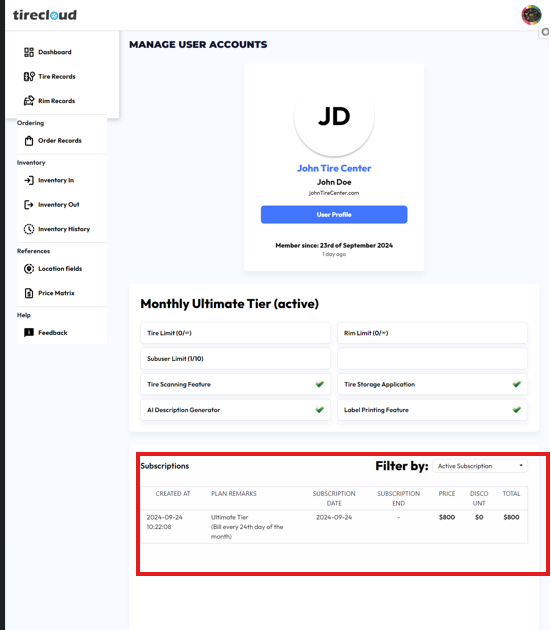
This section allows users to easily manage and view their active subscriptions and related information in a well-organized manner.