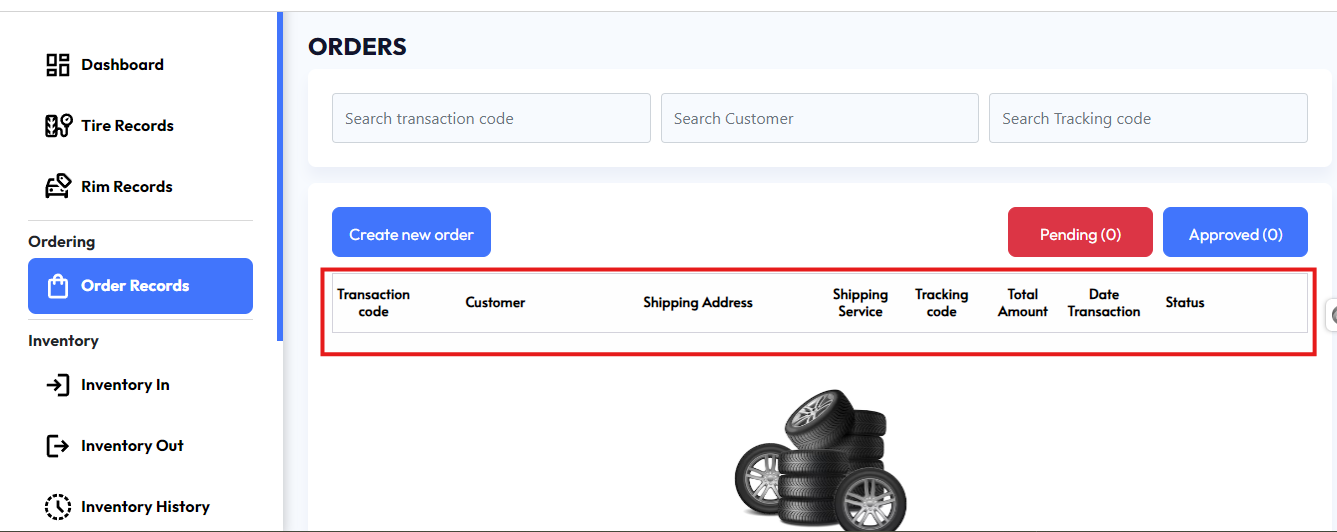
Orders Management Interface
This interface is designed to help manage and track customer orders efficiently. Below is a breakdown of the various sections and functions available:
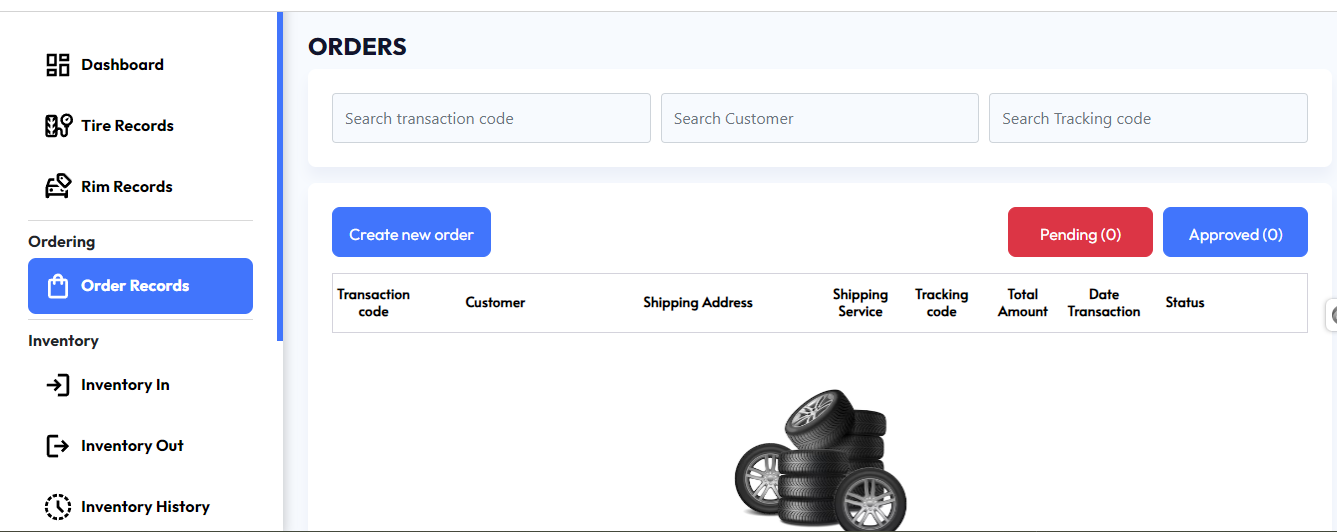
Search Bar:
At the top of the interface, there are three search fields:
Search transaction code: Allows users to find specific orders using a unique transaction code.
Search customer: Enables users to search for orders based on the customer's name.
Search tracking code: Helps locate orders by searching with the tracking code provided by the shipping service.
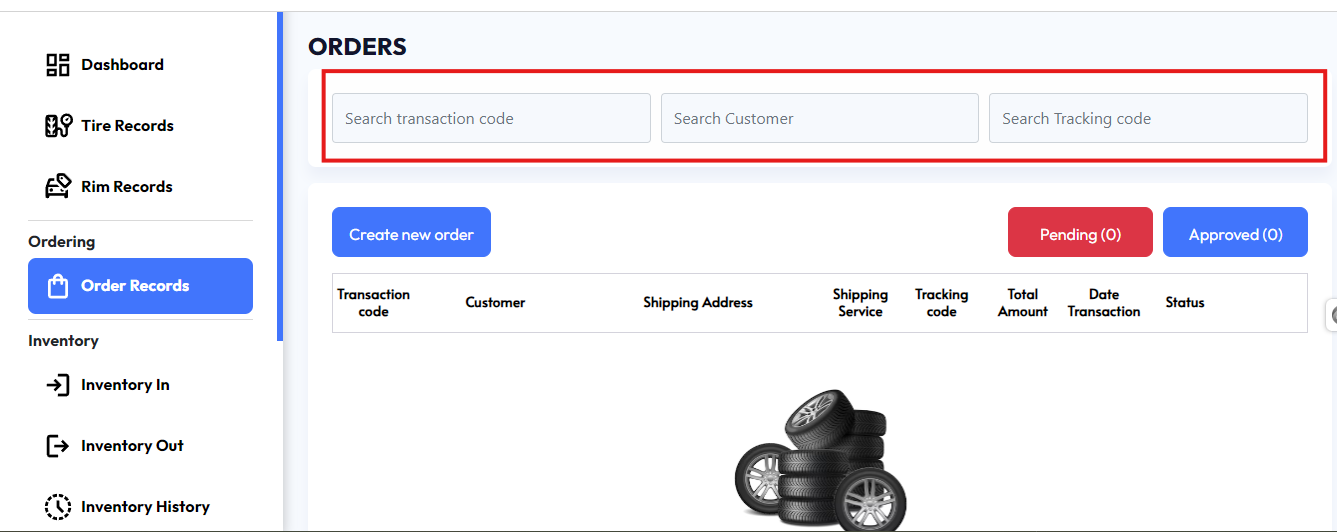
Action Buttons:
Create new order: This button, located on the left in blue, lets users create and submit a new order. When clicked, it opens a form for entering order details such as customer information, shipping address, and product details.
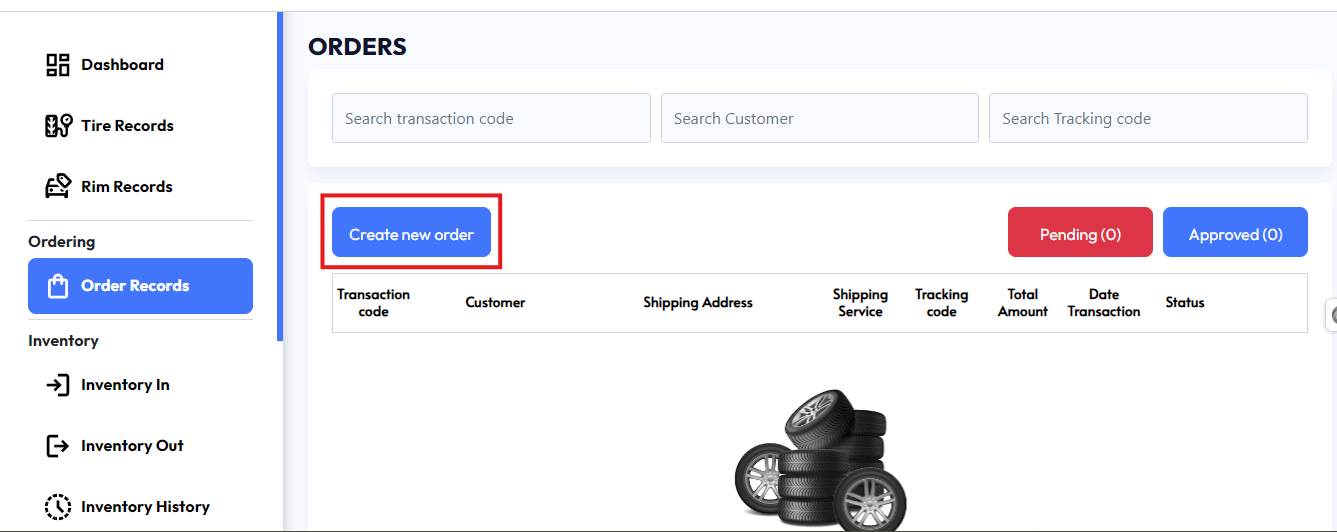
Status Filters:
Two buttons are displayed for filtering orders by their status:
Pending (0): Shows orders that are not yet processed or approved. The number in parentheses indicates how many orders are currently pending.
Approved (0): Displays the list of orders that have been processed and approved.

Order List Table:
Below the buttons is a table where all orders are displayed. The table consists of the following columns:
Transaction Code: A unique code generated for each transaction.
Customer: The name of the customer who placed the order.
Shipping Address: The destination address for the shipment.
Shipping Service: The service used to ship the products (e.g., FedEx, UPS, etc.).
Tracking Code: The tracking number provided by the shipping service for the customer to follow their package.
Total Amount: The total value of the transaction, including the cost of products and shipping.
Date Transaction: The date when the transaction was initiated.
Status: Displays the current status of the order (e.g., Pending, Approved, Shipped).
This interface allows users to seamlessly manage the order lifecycle, from creation to shipping, while providing robust search and filtering capabilities to locate specific orders quickly.