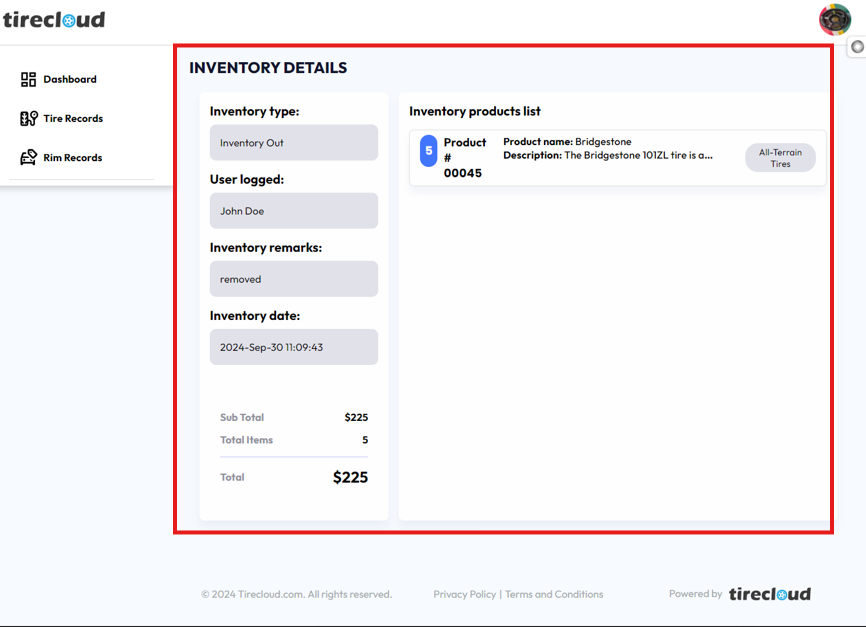
Inventory History
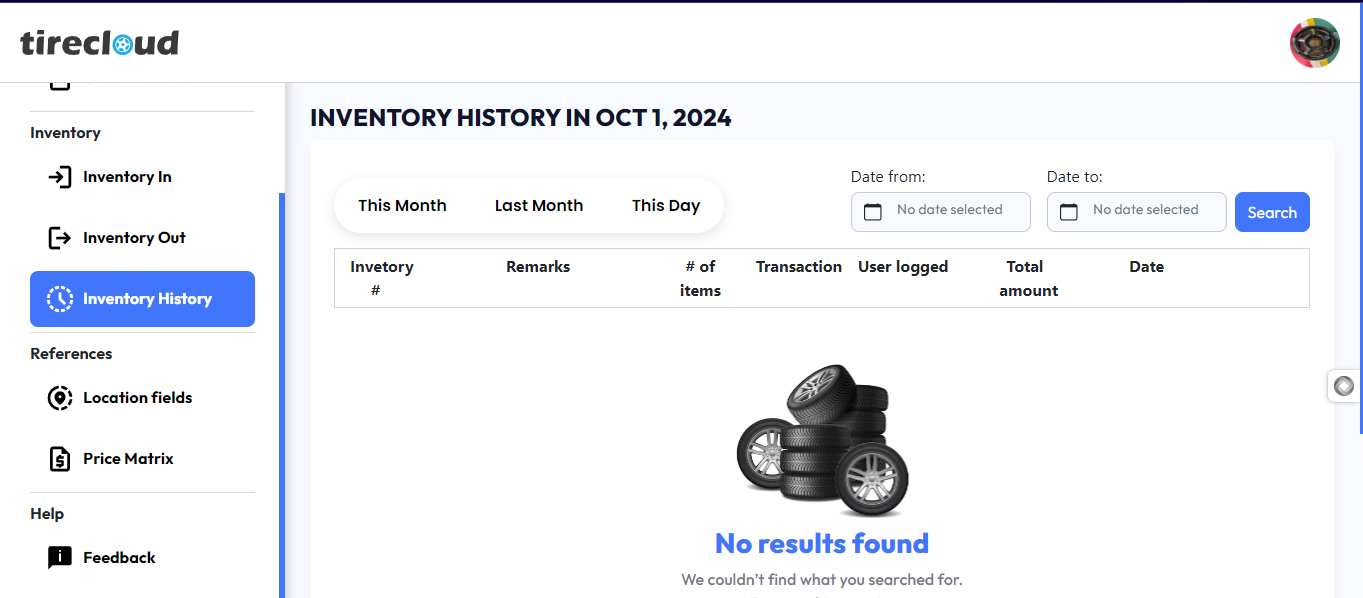
The Inventory History page allows users to track the history of tire inventory activities for a selected period. Users can view detailed records of past inventory transactions, including the following:
Inventory #: Unique identifier for each inventory transaction.
Remarks: Additional notes or descriptions about the transaction.
# of items: The total number of items involved in the transaction.
Transaction: The type of transaction (e.g., inventory in or inventory out).
User logged: The username or ID of the individual who logged the transaction.
Total amount: The total value associated with the transaction.
Date: The exact date the transaction occurred.
Date Filter Options
Users can filter inventory history by selecting specific date ranges from the Date from and Date to fields. The page provides three quick-access filters:
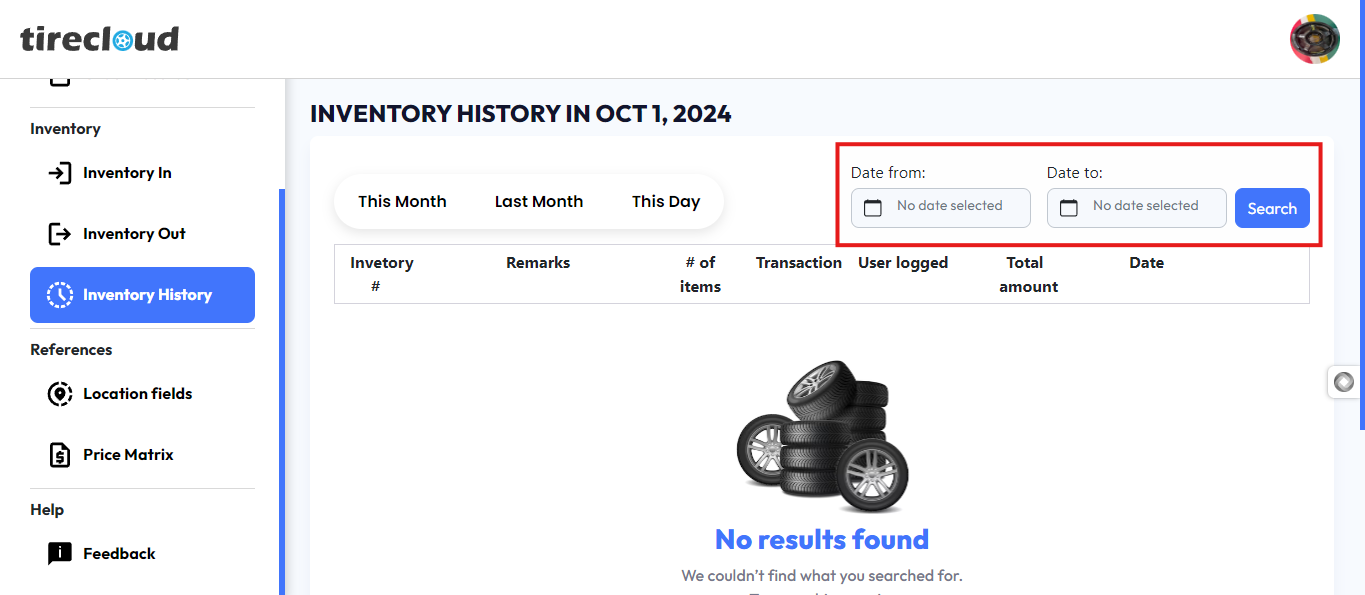
This Month: Displays inventory records for the current month.
Last Month: Shows inventory records for the previous month.
This Day: Filters the records for the current day.
After selecting the desired date range, click the Search button to retrieve the relevant transaction history.

To view a specific transaction history, click the EYE icon on the right corner of transaction history
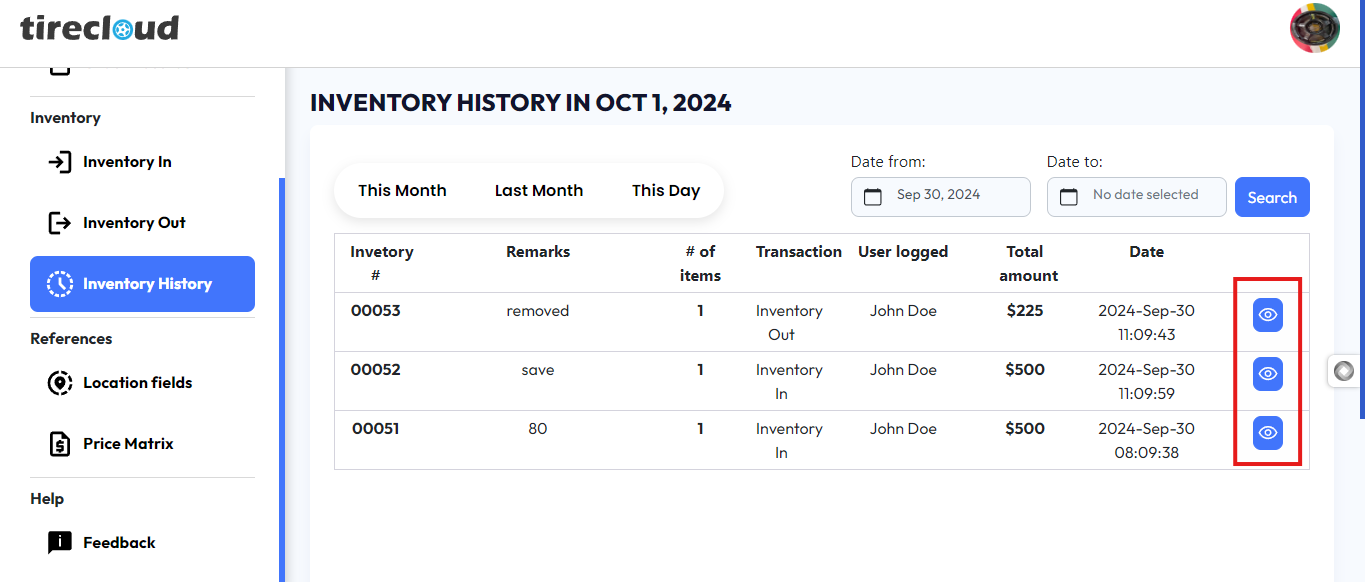
Clicking the eye icon will open a new page with the inventory details of the transaction history that you selected
The detail gives you the following information
Inventory type
User Logged
Inventory Remarks
Inventory Date
Inventory Product list
Su Total
Total items
Total